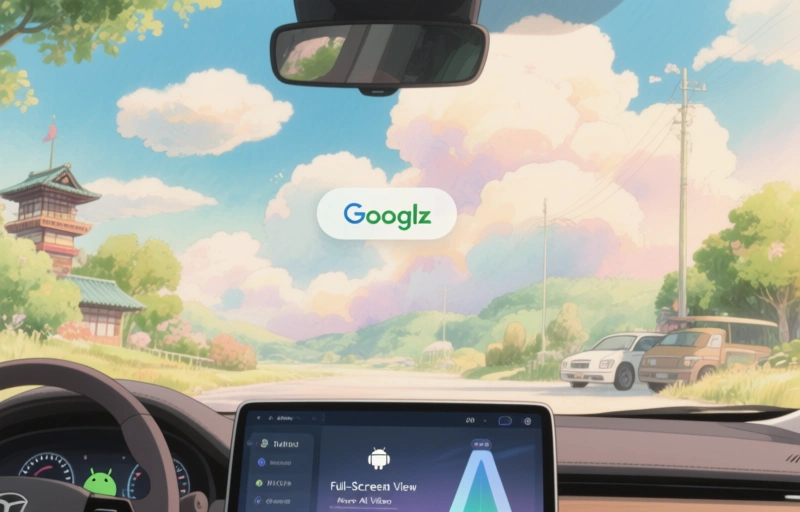
Google's annual Android Auto updates bring a full-screen view, smarter AI, and the ability to watch video when parked. Learn how these features work and how to get them.
### What's New with Android Auto?
Google just dropped its annual Android Auto updates, and they're pretty exciting. You're getting a full-screen view that makes everything look cleaner and more immersive. Plus, there's more AI integration to help you stay focused on the road. And yes, you can finally watch video in your car—but only when you're parked. Let's break it all down.
### Full-Screen View: A Cleaner Interface
The biggest visual change is the full-screen mode. Instead of having apps crammed into a small window, your phone's screen now stretches edge to edge. This means maps, music, and messages all have more room to breathe. It's like upgrading from a tiny TV to a widescreen cinema. You'll notice sharper icons, smoother animations, and a layout that feels less cluttered. If you've ever struggled to read a text while driving, this update makes it way easier. But remember: keep your eyes on the road, not the screen.
### More AI: Smarter Suggestions
Google is leaning hard into AI with these updates. Your car's system will learn your habits over time. For example, if you always play a specific podcast on your commute, Android Auto will suggest it automatically. It can also predict where you're going based on your calendar or past trips. Think of it like a personal assistant that never sleeps. The AI even helps with voice commands. You can say things like "Find me a coffee shop with a drive-thru" or "Navigate to the nearest gas station," and it just works. No more fumbling with buttons.
### In-Car Video: Entertainment When Parked
This is the feature everyone's been waiting for. Android Auto now supports video playback, but there's a catch: you can only watch when the car is completely stopped. This is a safety thing, obviously. So if you're waiting to pick up the kids or taking a break on a road trip, you can stream shows, movies, or clips right on your dashboard. It works with apps like YouTube and Netflix, but only if they support Android Auto. Just don't try to watch while driving—that's a recipe for disaster.
### How to Get These Updates
You don't need to buy a new car to enjoy these features. Most updates come through your phone's operating system. Just make sure you have the latest version of Android Auto installed. Check your Google Play Store for updates. If you're on Android 11 or newer, you're probably good. Some car manufacturers might need to push their own software updates, so check with your dealer if things don't work right away. It's usually a simple download.
### Safety First: What You Should Know
With all these new features, safety is still the top priority. Google designed the full-screen view to minimize distractions. Video playback only works when the car is stopped, and voice commands are getting better so you can keep your hands on the wheel. But here's the thing: no tech is a substitute for your own attention. Don't rely on AI to make every decision. Always stay aware of your surroundings. And if you're using video, find a safe spot to park. It's better to be late than sorry.
### Final Thoughts
These Android Auto updates are a big step forward. The full-screen view makes everything more enjoyable, the AI saves you time, and the video option is a nice bonus for downtime. But remember, these are tools to help you, not replace your judgment. Drive safe, stay focused, and let the tech do the boring stuff. If you haven't updated yet, go check your settings. You might be surprised at what you've been missing.